Scattered GPUs
Gaming PC in bedroom, workstation in office, old server in closet. All idle most of the time.
Gaming PC + Mac + old server. rbee orchestrates your machines as one hive. 5-minute setup. Use all your GPUs across all your machines. Free forever.
RTX 4090 + Mac M2 Ultra + RTX 3090 = one unified colony
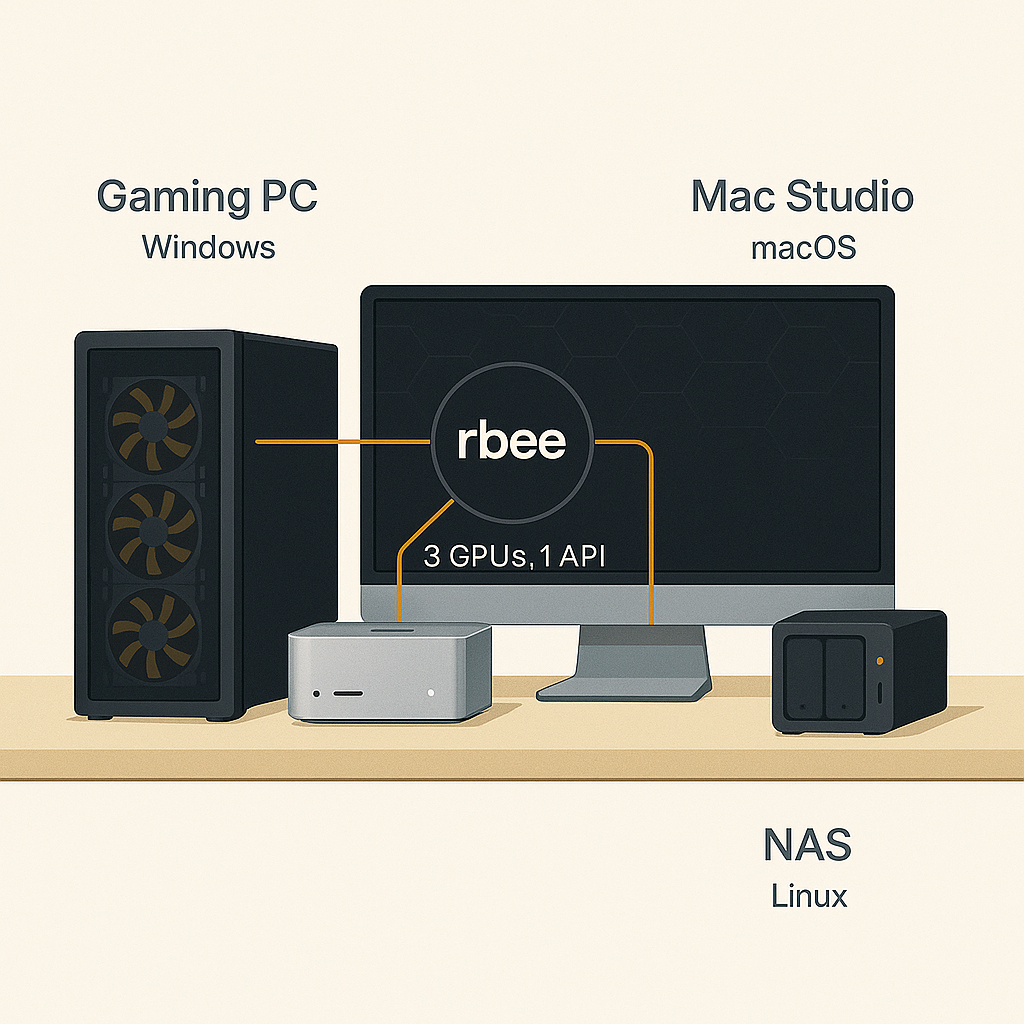
Multi-Machine Setup
Connect all your hardware
5-minute install, SSH-based deployment, works with all your hardware. Gaming PC + Mac + Server = one unified hive.
Gaming PC in bedroom, workstation in office, old server in closet. All idle most of the time.
Different OS versions, different CUDA drivers, different Python environments. Nothing works together.
Want to run a 70B model? Good luck manually splitting it across machines and keeping track of processes.
Thousands of dollars in GPUs sitting idle because there's no easy way to use them together.
One command to deploy models across all your machines. rbee handles SSH, GPU detection, and load balancing.
No agents, no daemons. Pure SSH control. Start, stop, monitor—all from your terminal.
CUDA, Metal, CPU—rbee detects and uses whatever you have. Mix and match architectures freely.
Zero telemetry. Zero tracking. Your data never leaves your network. Open-source and auditable.
# Ubuntu/Debiancurl -fsSL https://rbee.sh/install.sh | bash
# macOSbrew install rbee/tap/rbee-keeper
# Verify installationrbee-keeper --version# Add a machine to your poolrbee-keeper pool add \ --name gaming-pc \ --host 192.168.1.100 \ --ssh-key ~/.ssh/id_ed25519
# Add multiple machinesrbee-keeper pool add --name workstation --host 192.168.1.101rbee-keeper pool add --name mac-mini --host 192.168.1.102
# List all machinesrbee-keeper pool list# Deploy a model across available GPUsrbee-keeper infer \ --model llama-3.1-70b \ --pool gaming-pc,workstation \ --auto-balance
# rbee automatically:# - Downloads the model if needed# - Detects available GPUs# - Splits model across machines# - Starts inference server# Check statusrbee-keeper status
# View GPU utilizationrbee-keeper gpu-info --all
# Stop a modelrbee-keeper stop --model llama-3.1-70b
# Clean shutdown (no orphaned processes)rbee-keeper shutdown --pool gaming-pcConfigure remote machines once. rbee-keeper handles SSH, validates connectivity, and keeps your pool registry synced.
Detects GPUs, VRAM, and capabilities automatically
Optimizes model placement across available hardware
Uses your existing SSH keys and known_hosts
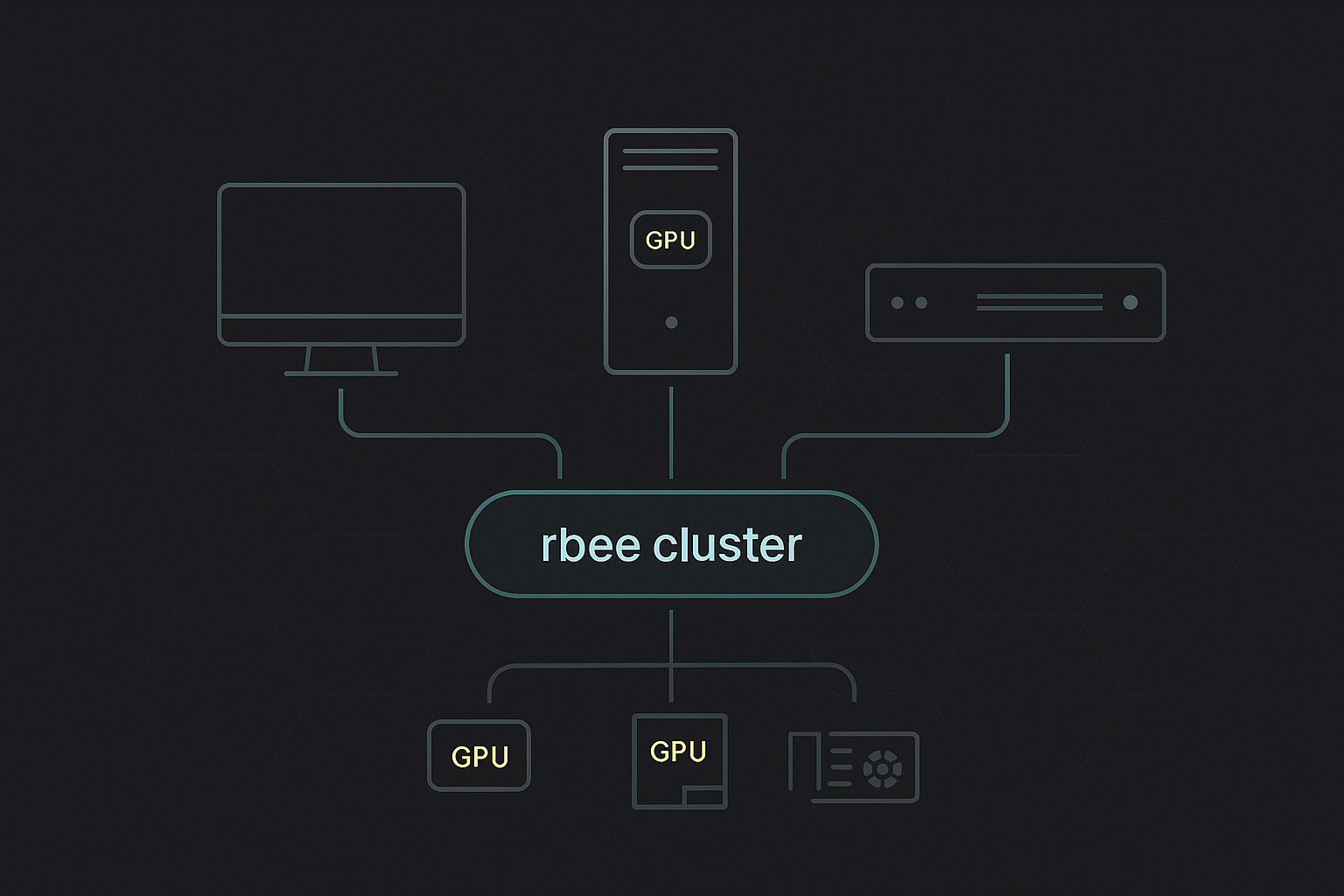
rbee-keeper orchestrates model deployment across your homelab via SSH
CUDA, Metal, and CPU backends. rbee detects your hardware and lets you choose explicitly.
Built for homelabbers who care about security and privacy.
Each model runs in isolated process. Clean shutdown, no orphans.
Uses your existing SSH keys and known_hosts. No new attack surface.
No phone-home. No tracking. Your data stays on your network.
GPL-3.0-or-later. Fully auditable. No proprietary blobs.
Each worker runs in its own isolated process.
Your homelab, your rules. LAN-only mode available.
Download rbee and start running LLMs across all your machines. Free, open-source, and built for homelabbers.
Works with your existing hardware • SSH-based orchestration • GPL-3.0-or-later